
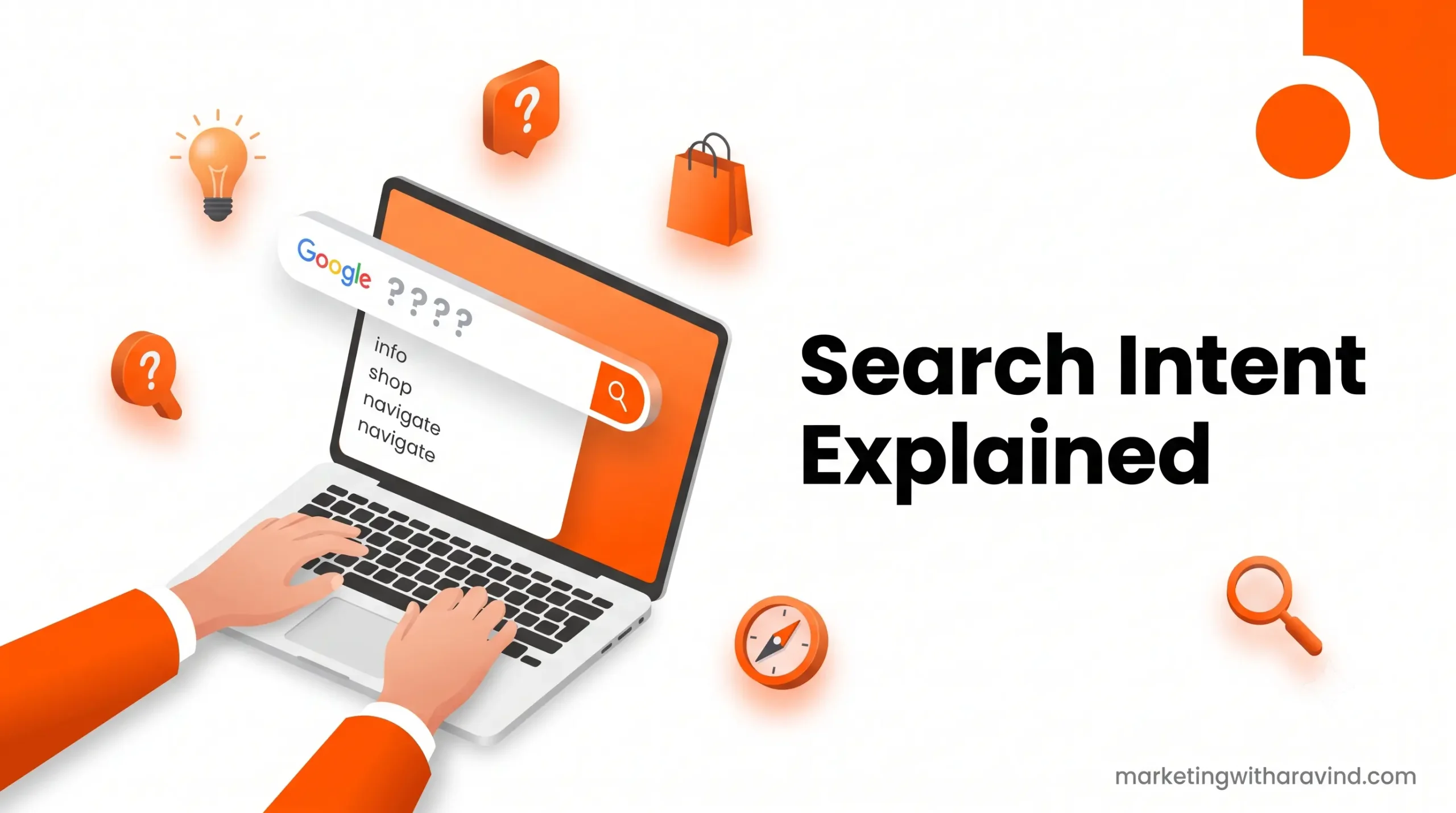
Introduction: Why Search Intent Changed My SEO Game
When I started my digital marketing journey, I was obsessed with keywords. I’d find high-volume search terms and write content about them. But you know what? My rankings weren’t improving. I was getting frustrated until one day, I realized I was answering the wrong question.
You see, people don’t search for random keywords. They search with a purpose. They want something specific. And Google? Google is actually pretty smart at figuring out what people really want. If you don’t match that intent, your content won’t rank. Period.
Here’s the truth: Search intent explained is the foundation of modern SEO. It’s the bridge between the keywords you research and the content you create. Without understanding it, you’re essentially shooting in the dark.
In this guide, I’m going to walk you through everything you need to know about search intent. You’ll learn what it is, why it matters, the four different types, and how to actually use this knowledge to create content that ranks.
Let’s dive in.
What is Search Intent? (And Why You Should Care)
Let me start with a simple question: What is search intent?
Search intent, also called user intent or keyword intent, is the reason behind a search query. It’s what the person typing into Google actually wants to find.
Think of it this way. When someone searches “how to make coffee,” they’re looking for instructions. When someone searches “best coffee maker,” they’re looking for a product recommendation. Same topic (coffee), completely different intentions.
This is what search intent means in practical terms: understanding the “why” behind every search query.
Here’s why this matters for your website:
Google’s job isn’t to show you the most popular content. Google’s job is to show the person searching the exact answer they’re looking for. Google has become incredibly good at this. In fact, Google’s entire algorithm is built around matching search query to user search behavior.
When you understand search intent, you:
- ✅ Create content that actually gets clicks
- ✅ Spend less time on content that won’t rank
- ✅ Build better internal linking strategies
- ✅ Understand your target audience better
- ✅ Improve your conversion rates
This is why search intent in SEO is non-negotiable for beginners. You literally cannot succeed with modern SEO without it.
The 4 Types of Search Intent (Complete Breakdown)
Now that you understand what search intent is, let’s explore types of search intent in SEO. There are four main categories, and I’m going to break each one down with real examples.
1. Informational Intent (The “I Want to Learn” Search)
What it is: The person wants information, knowledge, or an answer to a question.
Characteristics:
- “How to” queries
- “What is” queries
- Educational content
- Definitions and explanations
Search examples:
- “what is search intent”
- “how to do keyword research”
- “why is SEO important”
- “search intent examples”
What content ranks:
- Guides and tutorials
- Blog posts and articles
- Educational videos
- How-to articles
- Definition pages
Why it matters for your blog:
Most of your beginners are probably searching with informational intent. They’re trying to understand digital marketing concepts. This is actually amazing for you because:
- These searches have high volume
- They’re easier to rank for than commercial searches
- You can establish authority and build trust
- These readers become loyal followers
Pro tip: Informational content is the foundation of every blog. It’s what builds your audience before you ever try to sell anything.
2. Commercial Intent (The “I’m Researching” Search)
What it is: The person is researching a purchase decision but hasn’t committed yet.
Characteristics:
- “Best X for Y” queries
- Comparison searches
- Review searches
- “Pros and cons” searches
Search examples:
- “best PPC agencies”
- “Semrush vs Ahrefs”
- “best email marketing software for beginners”
- “Google Ads pricing“
What content ranks:
- Comparison articles
- Review posts
- Buying guides
- Top 10 lists
- Pros and cons articles
Why it matters:
Commercial intent is where keyword intent gets serious. People with commercial intent are usually closer to making a decision. They’re warm leads. This is where you build affiliate marketing and product recommendation opportunities.
For beginners, ranking for commercial keywords is harder because established sites have already claimed these spots. But don’t ignore them – they convert better than informational queries.
3. Transactional Intent (The “I Want to Buy” Search)
What it is: The person is ready to take action – buy, sign up, download, or complete a transaction.
Characteristics:
- “Buy X” queries
- “Sign up for X”
- “Download X”
- Direct product/service searches
Search examples:
- “Google Ads login”
- “buy digital marketing course”
- “Hostinger hosting plans”
- “free SEO tools download”
What content ranks:
- Product pages
- Service pages
- Landing pages
- Checkout pages
- Free tool pages
Why it matters:
Transactional intent has the highest conversion rate but is also the hardest to rank for. Big brands and established companies dominate these keywords. As a beginner, you probably won’t rank for pure transactional queries, but you can create content that targets transactional variations with educational angles.
4. Navigational Intent (The “Take Me to a Specific Place” Search)
What it is: The person knows where they want to go and uses a search engine to get there.
Characteristics:
- Brand name searches
- “Login” searches
- Official website searches
- App or platform searches
Search examples:
- “Google Search Console”
- “Facebook login”
- “Rank Math SEO”
- “Ahrefs dashboard”
What content ranks:
- Official brand pages
- Login pages
- App directories
- Official software pages
Why it matters:
You probably won’t create content targeting navigational intent as a beginner. But understanding it helps you recognize when a keyword isn’t right for your blog. Don’t waste time trying to rank for “Facebook login” because you’re not Facebook.
However, as you grow, you might rank for navigational searches related to your brand (like “Marketing With Aravind courses”).
How to Identify Search Intent: A Practical Framework
Now that you understand the four types, how do you identify search intent for the keywords you want to target?
Here’s my simple three-step process:
Step 1: Type the Keyword into Google
This is the most underrated SEO research technique. Seriously.
When you search your keyword, look at:
- What are the top-ranking results? Are they blog posts, product pages, or comparisons?
- What’s the content format? Are they long guides or short answers?
- Who’s ranking? Are they huge brands or smaller sites like yours?
- What features does Google show? Are there FAQs, People Also Ask, images, or videos?
If the first page is full of product pages, that keyword has transactional intent. If it’s full of blog posts, that’s informational intent.
Step 2: Analyze the “People Also Ask” Section
Google’s “People Also Ask” box is genius. It shows you related questions people are asking. These are all different angles on the same search topic.
For “search intent explained,” Google might show:
- “What is search intent in SEO?”
- “How do you identify search intent?”
- “Why is search intent important?”
These questions tell you exactly what information searchers want.
Step 3: Check Search Console Data
If you have existing traffic, Google Search Console is gold. Look at:
- What keywords are you already ranking for?
- What’s the average position?
- What’s the click-through rate (CTR)?
- Which pages are getting impressions but no clicks?
This real data beats any guess you might make.
Let’s Analyze 5 Real Keywords (Practical Examples)
Okay, let me show you exactly how to apply this knowledge. Here are five real keywords and how to match search intent with content:
| Keyword | Search Intent | What to Write | Content Format |
|---|---|---|---|
| What is PPC | Informational | Complete beginner’s guide to PPC advertising | Blog Post (2500-3500 words) |
| PPC for small business | Informational + Commercial | How small businesses use PPC + case studies | Complete Guide with examples |
| Best PPC agencies | Commercial | Top PPC agencies, pricing, reviews, comparison | Comparison list with pros/cons |
| Google Ads login | Navigational | Don’t create content for this – target “Google Ads tutorial” instead | N/A |
| Google Ads pricing | Commercial + Transactional | Pricing breakdown, cost comparison, ROI calculator | Pricing guide + calculator |
See the pattern?
- Similar keywords have different intents
- Intent determines your content format
- You need multiple pieces of content to cover all intent variations
- Some keywords aren’t worth your time
This is exactly how you match search intent. You look at what Google shows, understand what the searcher wants, and create exactly that.
How Search Intent Affects Rankings
Here’s something really important: how does search intent affect rankings?
Google’s ranking algorithm considers search intent as a major factor. Here’s what that means:
The User Satisfaction Metric
Google measures something called “user satisfaction.” When someone searches a keyword and clicks on a result, Google tracks:
- Did they click back to search results quickly? (Bad signal)
- Did they stay on the page? (Good signal)
- Did they click other results? (Bad signal)
- Did they convert or take an action? (Good signal)
If your content doesn’t match search intent, people bounce. Google notices. Your rankings drop.
SERP Layout Changes Based on Intent
Look at a search results page (SERP). The layout changes based on intent:
- Informational intent: Mostly blog posts and guides, plus a featured snippet
- Commercial intent: Reviews, comparisons, and top lists
- Transactional intent: Product pages and shopping results
- Navigational intent: The official website ranked first
Google literally changes the SERP layout based on what it thinks the searcher wants. This is how powerful intent is.
Content Strategy Impact
When you understand search intent, your entire content strategy improves:
- Keyword Targeting: You choose keywords that actually match your content
- Content Creation: You write the right format for each keyword
- Internal Linking: You link to relevant content that matches user journey
- Conversion Rate: You guide people toward your products/services naturally
- Search Rankings: You rank better because your content matches what Google’s algorithm expects
Why Search Intent is Important for SEO (Real Talk)
Why is search intent important for SEO?
Let me be completely honest with you: If you ignore search intent, you will waste years of your life creating content that doesn’t rank.
I’ve seen it happen. Smart people writing high-quality content that ranks nowhere because they missed the fundamental concept of matching user intent.
Here’s why it’s so important:
1. It Saves You Time
Instead of creating content and hoping it ranks, you create content you know will rank. You’re being strategic, not random.
2. It Improves Your Conversion Rate
Most beginners focus only on getting traffic. But traffic without conversions is useless. Search intent helps you attract the right people the ones who are already interested in what you’re offering.
3. It Helps You Compete
As a beginner, you can’t out-spend or out-produce large sites. But you can be smarter. By understanding search intent, you can find gaps where established sites aren’t creating content and dominate those spaces.
4. It’s the Foundation of Modern SEO
Search intent is literally how Google works. The entire algorithm is built around matching queries to content. If you don’t understand this, you don’t understand modern SEO.
How to Create Content That Matches Search Intent
Now for the practical part: how to create content matching intent.
Step 1: Research the Topic Deeply
Before you write, understand:
- What are the top 10 ranking articles?
- What are people asking about this topic?
- What’s missing from existing content?
- What gaps can you fill?
Step 2: Choose the Right Format
Format matters because different intents prefer different formats:
- Informational: Long-form guides, tutorials, “how to” posts, step-by-step articles
- Commercial: Comparison articles, review articles, “best of” lists, pros/cons articles
- Transactional: Product pages, landing pages, pricing pages, demo pages
- Navigational: Homepage, about page, resource pages
Step 3: Structure for User Behavior
Users scan before they read. Structure your content for scanning:
- Use clear H2 and H3 headings
- Use bullet points for lists
- Use bold for important terms
- Use short paragraphs (2-3 sentences)
- Use tables for comparisons
- Use images to break up text
Step 4: Answer the Search Query in the First 100 Words
Don’t make people wait. Answer their question right at the top. The search intent explained guide I’m writing right now answers the main question in the introduction. That’s intentional.
Step 5: Go Deep with Examples
Generic information ranks nowhere. Specific, practical examples rank. Show real screenshots, real data, real case studies. This is what separates good content from great content.
Building Your Keyword Research Foundation
Understanding search intent is just the first step. You also need a solid keyword research process that incorporates intent at every stage.
Here’s the process I use:
Step 1: Start with Seed Keywords
Find general keywords related to your topic using tools like:
- Google Keyword Planner
- Ahrefs (keyword explorer)
- Semrush (keyword research tool)
- Answer the Public (question research)
Step 2: Analyze Search Intent for Each
Don’t just look at search volume. Check the intent:
- Informational or commercial?
- Easy to rank for (newer site) or competitive (established brands)?
- Matches your content goals?
Step 3: Group by Content Topic
Cluster related keywords together. This is how you build pillar pages and cluster content.
Step 4: Create Your Content Calendar
Map keywords to content types:
- Pillar page (main topic)
- Cluster articles (related subtopics)
- Supporting articles (long-tail variations)
Step 5: Track Performance
After publishing, track in Google Search Console:
- Impressions (how often you appear)
- Click-through rate (how many click your result)
- Average position (where you rank)
- Conversions (ultimate metric)
This is the foundation of successful SEO. Search intent is part of it, but you need the whole system.
Common Search Intent Mistakes (Don’t Make These)
Let me save you some headaches by showing you the mistakes I made early on:
Mistake 1: Ignoring Intent in Keyword Research
I used to just target high-volume keywords without checking intent. I’d rank for keywords where people wanted to buy, but I’d write blog posts. No conversions, wasted effort.
Fix: Always check SERP before targeting a keyword.
Mistake 2: Writing Long Content for Quick Answers
Some keywords need quick, direct answers (featured snippets). I was writing 3000-word posts for questions that needed 100-word answers.
Fix: Match content length to intent. “What is X?” needs 200-500 words. “How to do X?” needs 2000+ words.
Mistake 3: Poor Internal Linking Strategy
I wasn’t linking related content based on user journey. This meant people couldn’t explore related topics, and Google couldn’t see the connection between my articles.
Fix: Internal link from informational → commercial → transactional content, following the customer journey.
Mistake 4: Targeting Every Variation Separately
I was creating different posts for “what is PPC,” “PPC explained,” and “understanding PPC.” Google saw these as competing with each other.
Fix: Create one comprehensive post and optimize for multiple variations of the same intent.
Mistake 5: Ignoring Search Console Data
I wasn’t paying attention to which keywords were actually getting impressions and clicks. I was guessing instead of using real data.
Fix: Check Search Console weekly. Adjust strategy based on real performance data.
FAQ: Your Search Intent Questions Answered
Q1: Can one keyword have multiple search intents?
A: Yes! Keywords like “Gmail login” are mostly navigational, but some people might search it wanting tutorials. The SERP still shows mostly navigational results though, so that’s the primary intent.
Q2: How do I know if a keyword is too competitive for my new site?
A: Check the top 10 results. If they’re all from Forbes, HubSpot, or other major sites, it’s too competitive. Look for keywords where smaller blogs are ranking.
Q3: Should I only target informational content as a beginner?
A: No. You should target all four types, but start with easier informational keywords. Build authority. Then target commercial keywords. Finally, commercial keywords naturally convert to sales.
Q4: How often should I update my search intent strategy?
A: Search intent changes slowly. Update your keyword research annually, but monitor Search Console monthly. Adjust based on real performance data.
Q5: Is search intent the only ranking factor?
A: No. Search intent is one of the most important ranking factors, but Google also considers content quality, backlinks, site authority, and technical SEO. However, matching search intent is the foundation everything else builds on.
Q6: How do I rank for keywords with transactional intent when Amazon already dominates?
A: Target long-tail variations with educational angles. For example, “best Amazon products for beginners” instead of “best Amazon products.” Create content for the journey, not just the destination.
Q7: Can I rank for navigational keywords?
A: Only if they relate to your brand. As you grow, you might rank for “Marketing With Aravind courses” or “Marketing With Aravind login.” Don’t waste time on generic navigational keywords.
Q8: Should I use the same keywords across multiple articles?
A: No! Each article should target a different primary keyword with different intent. Related articles can mention keywords, but they should focus on different topics.
Conclusion: Your Path to SEO Success
Here’s what you now know about search intent:
✅ What it is: The reason behind every search query
✅ Why it matters: Google’s entire algorithm is built around it
✅ The 4 types: Informational, commercial, transactional, navigational
✅ How to identify it: Check SERP, analyze People Also Ask, use Search Console
✅ How to use it: Create matching content in the right format
✅ How to avoid mistakes: Learn from my early failures
Search intent is the bridge between keyword research and content creation. It’s how you go from random blog posts to strategic, ranking content.
The good news? This is learnable. You don’t need years of experience. You just need to understand one concept and apply it consistently.
Start small. Pick one topic. Research keywords with clear informational intent. Create the best guide on that topic. Publish it. Promote it. Track results. Repeat.
This is how you build a successful blog. Not through magic, not through shortcuts, but through understanding what your audience actually wants.
Your audience of beginners, freelancers, and small business owners? They’re searching for this knowledge right now. They’re searching to understand digital marketing concepts. You have the opportunity to be the person who explains it in a friendly, beginner-focused way.
Get Your Free Digital Marketing Roadmap
Want a complete step-by-step roadmap to master digital marketing as a beginner? I’ve created a free guide that walks you through the exact system I use.
Download Your Free Digital Marketing Roadmap →
This roadmap includes:
- 30-day action plan to start your digital marketing journey
- Complete keyword research checklist
- Content creation templates
- Social media strategy guide
- Email marketing blueprint
- Affiliate marketing quick-start guide
Get it free. No credit card needed. No spam. Just actionable strategies you can implement immediately.

One Comment